
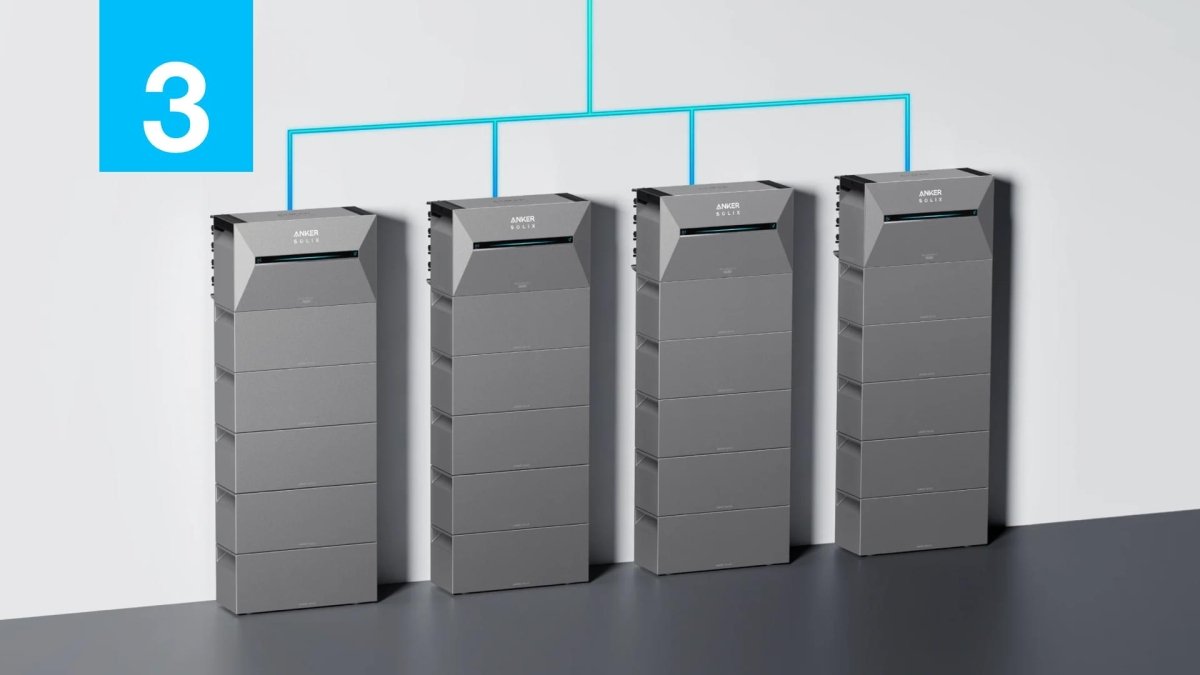
The Anker SOLIX Solarbank 3 E2700 Pro is a game-changer for home energy storage, offering incredible efficiency and power. But like any advanced piece of technology, you might occasionally run into a small hiccup. Don't worry! Most common issues have simple solutions that will get you back to harnessing solar power in no time. At TeqClub, we've compiled this comprehensive troubleshooting guide to walk you through the three most common problems users face and how to solve them effortlessly. Let's dive in! 💡
1. Solving Wi-Fi Connection Problems
One of the most frequent questions we see involves Wi-Fi connectivity, especially after a firmware update. A stable connection is crucial for monitoring your energy production and savings through the Anker app. If your Anker SOLIX Solarbank 3 E2700 Pro is having trouble staying online, try these steps in order.
- Check Your Network: The Solarbank primarily uses the 2.4GHz Wi-Fi band for its longer range. Ensure your router is broadcasting a 2.4GHz signal and that the Solarbank isn't too far away or blocked by thick concrete walls.
- Perform a Power Cycle: The classic "turn it off and on again" works wonders. First, restart your home's Wi-Fi router. Once it's back online, restart your Solarbank. This can often resolve temporary communication glitches.
- Reconnect in the App: Open the Anker app, go to your device's settings, and choose the option to "Forget" the current Wi-Fi network. Then, follow the on-screen prompts to reconnect your Solarbank 3 Pro from scratch. This ensures it has the correct and most up-to-date network credentials.
- Update Everything: Make sure you have the latest version of the Anker app installed from your phone's app store. An outdated app can sometimes cause communication issues with newer device firmware.
2. Managing Fan Noise Levels
Have you noticed the fans on your Anker SOLIX Solarbank 3 E2700 Pro spinning up? This is completely normal! The internal fans are essential for keeping the battery and inverter cool, especially during periods of heavy charging from your solar panels or when discharging a lot of power to your home. This process protects the components and ensures a long, healthy lifespan for your unit. However, if the noise seems excessive, there are a few things you can do to manage it.
Tips for a Quieter Operation
First and foremost, ensure proper ventilation. The Solarbank needs space to breathe. We recommend leaving at least 20 cm (about 8 inches) of clear space around all its vents. Avoid placing it in a tight closet or blocking the airflow. Second, try to keep the unit out of direct sunlight, as external heat will make the cooling system work harder. Lastly, check the Anker app for any power modes, like an "Eco" or "Quiet" setting, which might adjust the charging/discharging rates to reduce fan usage during off-peak times.
3. Fixing App and Data Sync Errors
Sometimes, the issue isn't with the Solarbank itself but with the app not displaying data correctly. You might see outdated production numbers, an incorrect battery status, or the app may feel unresponsive. This is usually a simple data sync or communication error between your phone, the cloud, and the device. 🛠️
Here’s a quick checklist to resolve app-related issues:
- Force Close and Reopen: The simplest fix is often the most effective. Completely close the Anker app on your phone and then relaunch it. This forces it to re-establish a fresh connection to the server.
- Clear the App Cache: If restarting doesn't work, try clearing the app's cache in your phone's settings (both Android and iOS have this option). This removes old, temporary data that might be causing conflicts without deleting your account information.
- Check Your Phone's Connection: Ensure your smartphone has a stable internet connection (either via Wi-Fi or cellular data). Also, make sure Bluetooth is enabled, as the app uses it for direct communication with the Solarbank for certain functions.
- Log Out and Log Back In: As a final step, try signing out of your Anker account within the app and then signing back in. This can reset the authentication token and resolve stubborn data sync problems.
Your Solarbank, Working Perfectly
The Anker SOLIX Solarbank 3 E2700 Pro is a powerful and reliable cornerstone for any home energy system. While running into a minor issue like a Wi-Fi drop or an app glitch can be frustrating, the solutions are almost always quick and easy. By following the troubleshooting steps we've outlined, you can ensure your system runs smoothly, efficiently, and quietly, maximizing your energy independence and savings.
Ready to harness the sun's power with confidence? The Anker SOLIX Solarbank 3 E2700 Pro is the ultimate solution for smart energy management. Explore it now at TeqClub! Did these tips help you out? Let us know in the comments or share this guide with other Anker users. 👍
1 comment
Olaf Thielert
Wir brauchen keine Prämien, eure praktischen Erfahrungen und Hilfen sind für uns viel wichtiger! Macht weiter so, wir sind mehr als nur dankbar! Ich teile meine Erfahrungen gleich mit allen meinen Kontakten! Gruß Olaf