
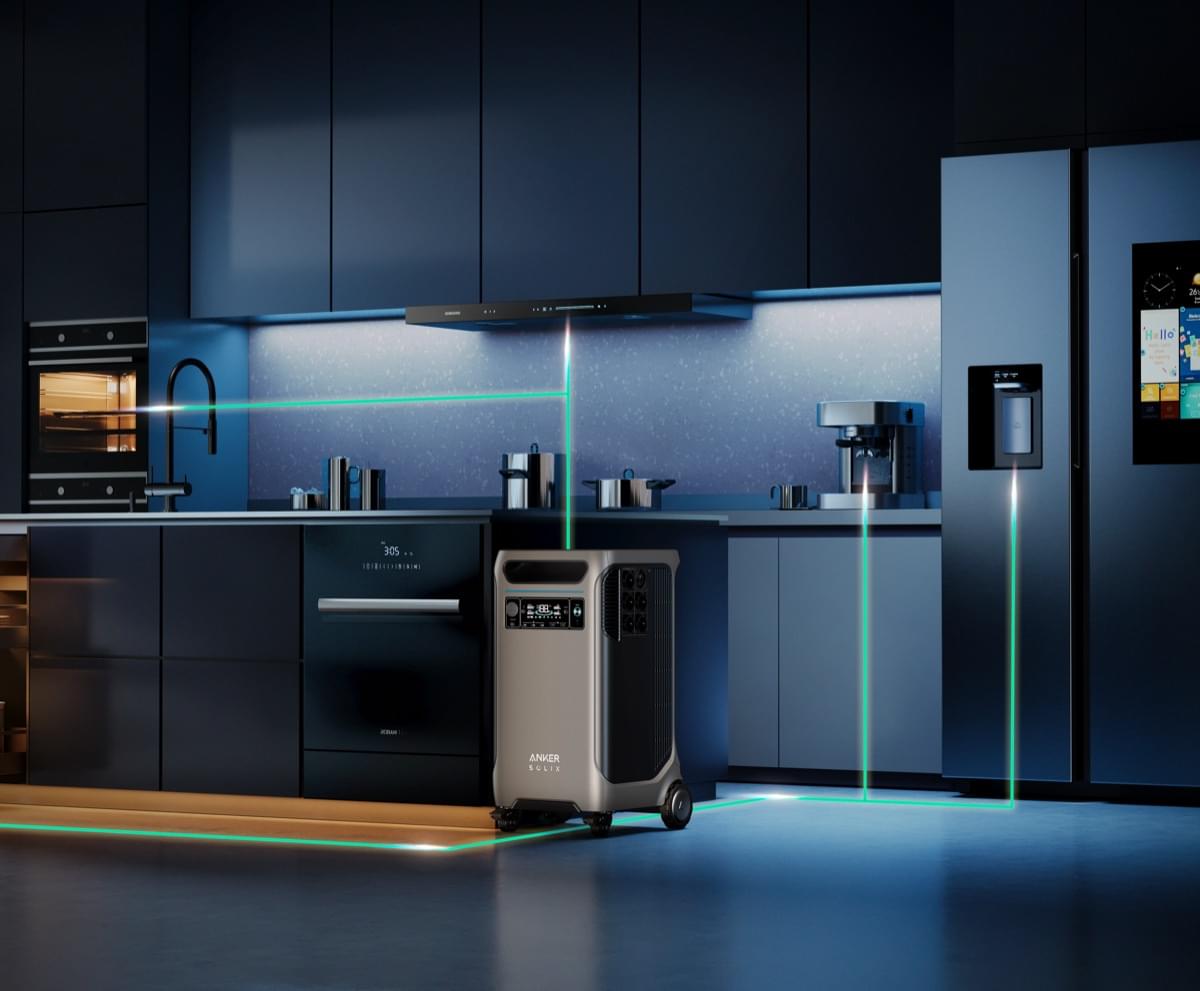
You’ve invested in the incredible power of the Anker SOLIX F3800, a true beast in the world of portable power stations. It’s ready to keep your lights on, your food cold, and your devices charged during an outage. But you might be wondering, "How do I connect this powerhouse to my entire house? It seems complicated." We hear you, and we’re here to help. At TeqClub, our goal is to demystify the tech you love. This comprehensive guide will walk you through the home integration process, breaking it down into simple, understandable steps to give you total confidence in your home backup plan.
1. Beyond the Extension Cord: True Home Integration
Using your Anker SOLIX F3800 with an extension cord is perfect for powering a few specific devices. However, to run built-in appliances like your refrigerator, furnace fan, or lights directly from your home's circuits, you need a more integrated solution. This involves connecting the unit to your home’s electrical panel. This method not only offers more convenience but is also the safest and most effective way to power your home during an outage. It ensures that essential circuits come alive automatically, without you having to run cables all over the house. 🔌
2. The Heart of the System: Understanding the Transfer Switch
The single most important component for connecting any external power source to your home is a transfer switch. Think of it as a safe traffic cop for your electricity. Its job is to completely disconnect your home from the main power grid before it allows power to flow from your Anker SOLIX F3800.
Why is this critical?
This process prevents "backfeeding," a dangerous situation where electricity from your generator could travel back out to the utility lines, potentially harming utility workers who think the lines are dead. A transfer switch makes the entire operation safe and compliant with electrical codes.
- Manual Transfer Switch: You physically flip a switch to change your home's power source from the grid to your F3800.
- Automatic Transfer Switch: This switch detects a power outage and automatically makes the change for you, providing a truly seamless transition.
3. The Smart Solution: Anker's Home Power Panel
To make home integration as easy as possible, Anker designed the Anker Home Power Panel. This device acts as a smart, automatic transfer switch built specifically for the Anker SOLIX F3800. When the grid goes down, it instantly and automatically switches your designated home circuits over to draw power from the F3800. It's the ultimate "set it and forget it" solution. You get peace of mind knowing your backup power will kick in the moment you need it, whether you're home or away. This panel also allows you to manage which circuits get power, ensuring your most critical needs are always met.
4. The Installation Process: A Professional's Job
Let's be crystal clear: installing a transfer switch or the Anker Home Power Panel is not a DIY project. This task requires a licensed and qualified electrician to ensure everything is done safely and up to code. However, understanding the process will make you much more comfortable.
Here’s a general overview of what your electrician will do:
- Assessment: They will examine your main electrical panel and help you decide which essential circuits you want to back up (e.g., kitchen, main lights, home office).
- Panel Installation: The electrician will install the Anker Home Power Panel (or another transfer switch) next to your main breaker box.
- Wiring: They will connect your chosen circuits from the main panel to the new transfer switch panel. They will also install a power inlet box on an exterior or convenient interior wall.
- Connection: Once installed, all you have to do is connect your Anker SOLIX F3800 to the inlet box using the appropriate heavy-duty cable. That's it! Your system is ready.
5. Your Electrician Checklist: How to Have the Conversation
Walking into a conversation with an electrician can feel intimidating if you're not sure what to ask. We've got you covered. Here is a simple checklist to help you communicate clearly and effectively.
Simply tell them:
- "I have an Anker SOLIX F3800 power station and the compatible Anker Home Power Panel that I need to have installed."
- "I want to use this system to provide backup power to a few essential circuits in my home during an outage."
- Ask them: "Can you help me identify the best circuits to back up for my needs (e.g., refrigerator, internet router, specific lights)?"
- Ask them: "Could you please provide a quote for the complete installation, including all necessary labor and materials?"
- Ask them: "Are you licensed, insured, and experienced with installing home battery backup systems and transfer switches?"
This checklist will ensure you and your electrician are on the same page from the start. 💡
Your Path to Uninterrupted Power
While connecting the Anker SOLIX F3800 to your home requires a professional's touch, understanding the key components and the process empowers you to take control of your home's energy security. By using a transfer switch like the smart Anker Home Power Panel, you transform your powerful portable unit into a seamless, automatic whole-home backup solution. The days of fumbling in the dark for flashlights and extension cords are over.
Ready to achieve total peace of mind during any power outage? Secure your home's energy future and get your Anker SOLIX F3800 from TeqClub today. Have any more questions about the setup? Drop them in the comments below, and don't forget to share this guide with friends and family. Welcome to the TeqClub community!